What to do when a customer has no cash? A practical guide for sole traders
It is a situation many sole traders know well: the work is done, the customer is satisfied, but when it is time to pay, they realise they have no cash. The good news is that this can be handled calmly, professionally and without unnecessary stress.
In short
If a customer has no cash, it does not have to mean a problem or a lost job. The important thing is to have a simple cashless payment option ready, explain the process clearly to the customer and mark the payment as received only when you actually see it in your bank account or receive reliable confirmation.
Introduction
Imagine a common situation. You repair an appliance, finish an installation, cut a customer’s hair, sell goods at an event or provide a service directly at the client’s location. Everything goes well, the customer is satisfied, but then comes the sentence: “I don’t have cash with me.”
For a small business owner, this can be an uncomfortable moment. Not because the customer does not want to pay, but because the payment suddenly becomes more complicated. People start looking for an ATM, typing an IBAN into a message, sending payment details by SMS or postponing the payment until later. That is exactly where mistakes, stress and unnecessary misunderstandings can arise.
How to handle the situation professionally
The worst solution is to improvise only when the customer says they have no cash. A much better approach is to have a simple process prepared in advance. The customer will appreciate it when you calmly say: “No problem, you can also pay cashlessly.”
A cashless payment does not automatically mean a payment terminal. For smaller businesses, craftsmen or field services, a QR payment can be a practical option. The customer scans the QR code in their banking app and the payment details are prefilled.
Why a prepared QR payment is better than sending an IBAN manually
When a customer manually copies the IBAN, amount or note, it is easy to make a mistake. With a QR payment, the details are transferred into the banking app automatically. The customer only checks them and confirms the payment.
- the customer does not have to manually copy the IBAN,
- the amount can be prepared in advance,
- the payment can include a variable symbol or message,
- the business owner looks more professional,
- the risk of mistakes in payment details is reduced.
Important note
A QR code with payment details does not mean that the money is already in your account. Mark the payment as received only when you receive a bank notification or actually see the payment in your account.
Practical example
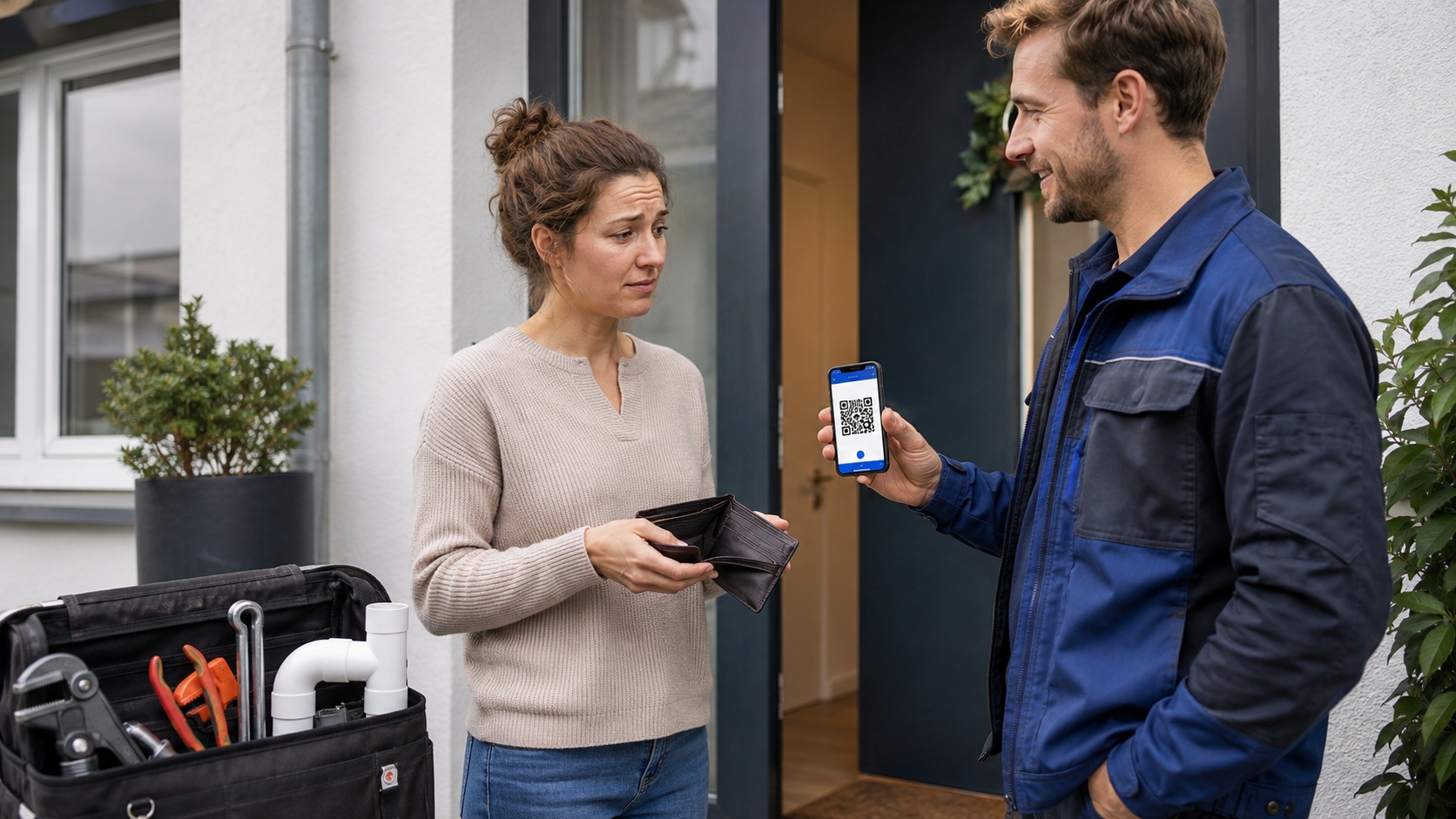
A service technician visits a customer to repair an appliance. After the work is finished, the customer realises they have no cash. The technician does not need to dictate the IBAN or wait while the customer saves the payment details. They simply open a prepared QR payment, set the amount and the customer scans it.
| Situation | Problem | Solution |
|---|---|---|
| The customer has no cash | The payment may be delayed or become complicated | The business owner offers a QR payment |
| The customer has a banking app | They do not want to manually copy the IBAN and amount | They scan the QR code and the details are prefilled |
| The business owner needs to check the payment | Scanning a QR code is not a payment confirmation | The payment is verified in the bank account or by notification |
What to watch out for
Even a simple solution needs clear rules. With a QR payment, the customer must check and confirm the payment in their banking app. The business owner should not consider the payment received just because the customer scanned the QR code.
Recommended
Have a simple cashless payment method ready, use the correct IBAN, a clear amount and, when needed, a variable symbol or message for the recipient.
Watch out for
Do not hand over goods or treat the payment as completed only because the customer scanned the QR code. Always verify that the payment was actually made.
Frequently asked questions
Conclusion
When a customer has no cash, it does not have to become an uncomfortable situation. If the business owner has a simple cashless payment option ready, they appear more confident, more professional and make it easier for the customer to complete the payment.
A QR payment is practical especially when you want to offer customers a simple way to pay without manually copying payment details. The important final step, however, remains the same: always verify the payment in your bank account.
Need help with this?
If you are dealing with a similar situation or need a professional payment solution, feel free to contact us.
I want to try QR PAYMENT